Core Web Vitals, Explained for Contractors
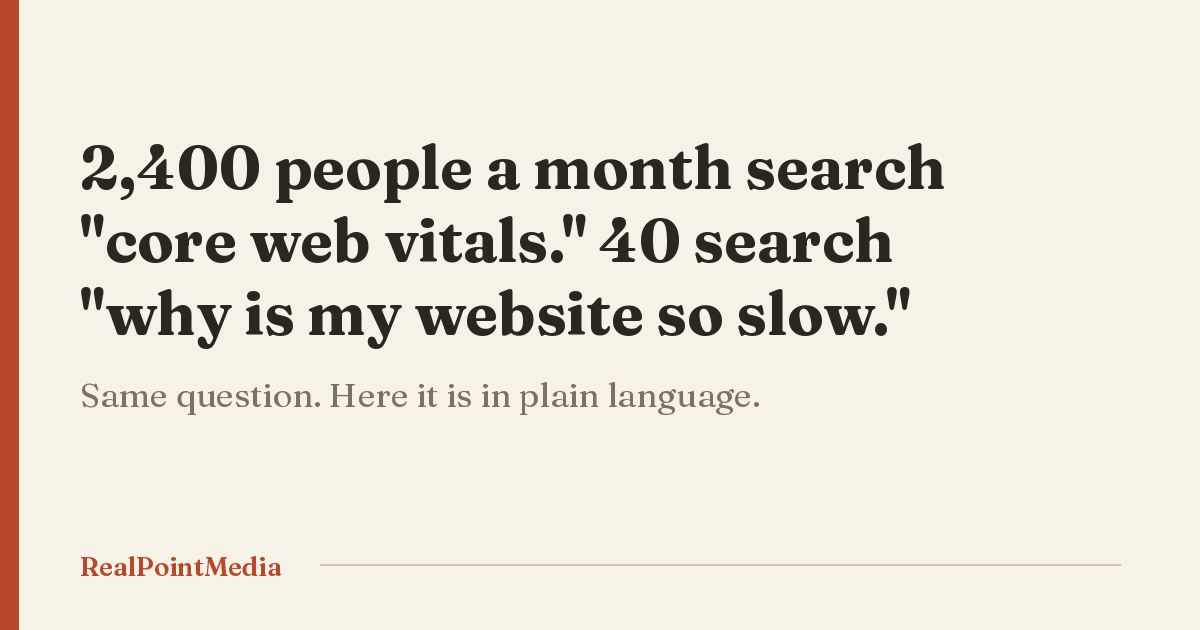
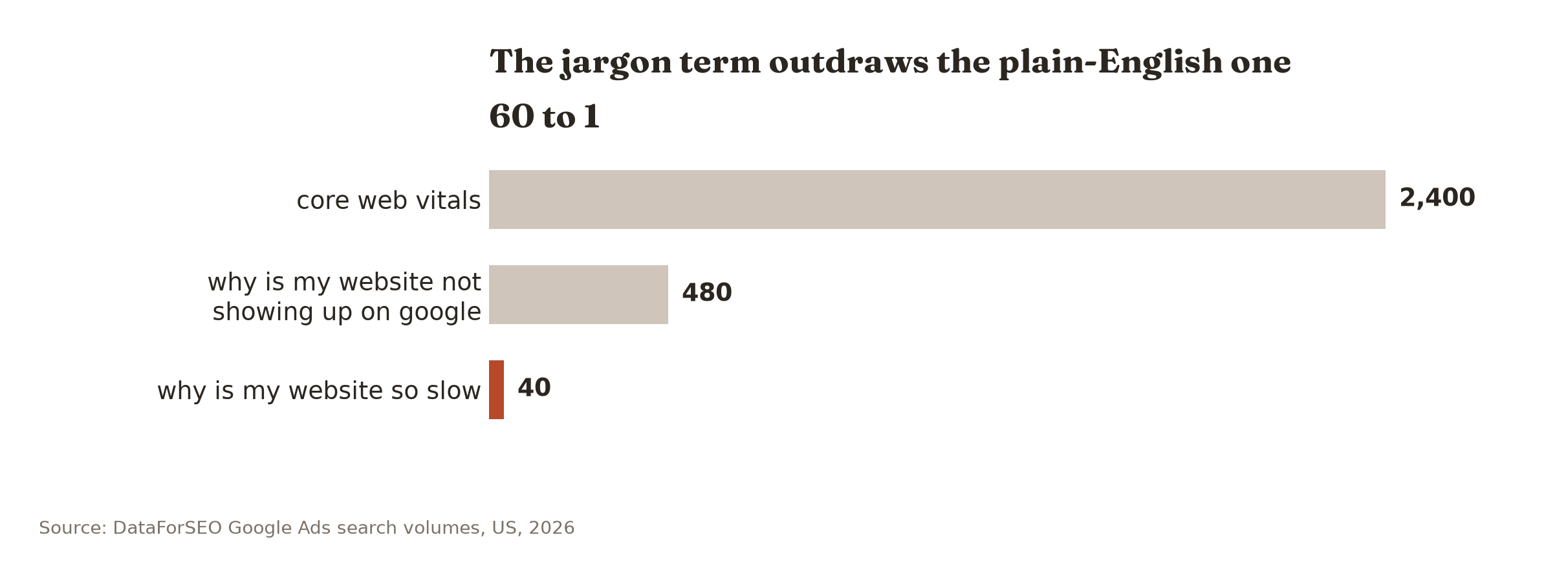
Two thousand four hundred people a month search Google for “core web vitals.” Forty a month search “why is my website so slow.” Those are the same question. The 60-to-1 gap tells you who is searching: agencies, developers, and people who just got sent a report full of red numbers by somebody hoping to sell them something. If you got that report and you run trucks for a living, this post is the translation. Three measurements, what each one means in plain terms, what to fix, and the two you can safely ignore this month.
What these three numbers actually are
Google measures how a page feels to a real person on a real phone. It reduces that to three numbers. That is the whole idea.
They are called Largest Contentful Paint, Interaction to Next Paint, and Cumulative Layout Shift. Nobody says those out loud. Here is what each one is asking.
| The measurement | What it is asking | Good | Needs work | Poor |
|---|---|---|---|---|
| LCP | How long until the main thing on the screen shows up | 2.5 seconds or less | 2.5 to 4 seconds | Over 4 seconds |
| INP | When someone taps, how long before the page reacts | 200 ms or less | 200 to 500 ms | Over 500 ms |
| CLS | How much the page jumps around while loading | 0.1 or less | 0.1 to 0.25 | Over 0.25 |
Source: Google’s published Core Web Vitals thresholds, 2024.
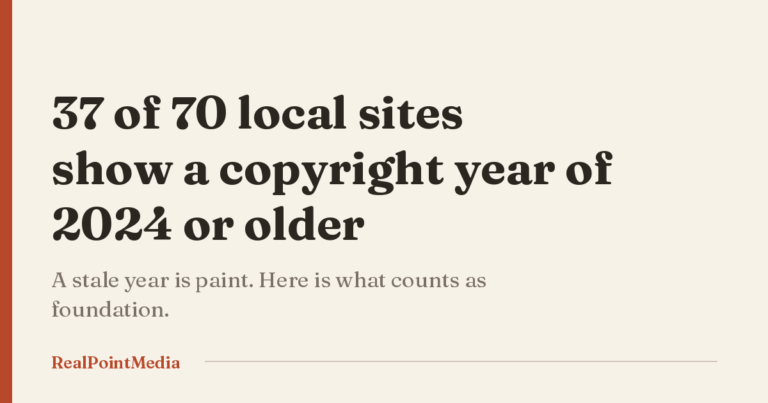
Those are Google’s published Core Web Vitals thresholds, set in 2024 and unchanged since, not ours. Where they sit on the list of things actually costing you jobs is a different question, and we put that list in order here.
LCP is the one that matters to you
Largest Contentful Paint is how long a homeowner stares at a mostly empty screen before your hero photo or headline arrives.
On a contractor site this is almost always an image. A job photo straight off a phone is around 4MB. Resized properly for the space it sits in, the same photo is 120KB. That one change is usually most of your LCP problem and it costs an afternoon.
The Poconos version of this matters more than the Allentown version. Cell coverage along 209 north of Stroudsburg and up toward Blue Mountain is genuinely poor in places. A 4MB hero on a good connection is a shrug. The same file on two bars is eleven seconds, and I have sat in a truck and counted it.
Done when: no image on your homepage is over 200KB and the hero is in WebP.
INP, which almost nobody here fails
Interaction to Next Paint measures the lag between a tap and something happening. It replaced the old first-input measurement in 2024, and the trades mostly pass it without trying.
You fail INP when the page is running heavy JavaScript: booking widgets, live chat, a review carousel pulling from an API, three analytics tags. One Lehighton HVAC site is carrying Tag Manager plus two separate Facebook pixels, one of them from an agency they parted with.
If you have a chat widget you never answer, delete it. That is the whole INP chapter for most of you.
CLS is what costs you calls
Cumulative Layout Shift is the page jumping while it loads. The homeowner goes to tap your phone number, a banner finishes loading above it, everything slides down, and he taps a photo of a water heater instead.
On a phone, in an emergency, that is a lost call. He does not try twice. He goes back to the map pack and taps the next one.
Three causes, all common here. Images without declared dimensions, so the browser never reserves the space. Badge rows that load late: HomeAdvisor logos hotlinked from someone else’s server, accreditation images arriving over plain HTTP onto a secure page. Seventeen of the 402 sites we audited pull something in over plain HTTP that way. And review widgets that sit empty and then expand once they finish talking to their API, which shoves everything below them down the page.
One Easton HVAC site we looked at has all three at once: a 2018-era slider, hotlinked accreditation images over HTTP, and a review widget still in its default state. Nobody set out to build that. It accumulated, one vendor at a time, over about eight years.
Done when: you can load your homepage on a phone and tap your phone number on the first try, twice in a row, from a cold cache.
How to check yours in six minutes
- Open PageSpeed Insights. Enter your homepage. Read the mobile tab. Do not look at desktop, your customers are not on desktop.
- Look at the top section, the one labeled as real user data. That is your actual Core Web Vitals. The score underneath it is a lab simulation and it is not what Google uses.
- Write down the three numbers. That is your baseline.
- Repeat on the page people actually land on from Google, which for most contractors is a service page, not the homepage.
- Then do it the honest way. Private window, cellular data, standing in a parking lot, on the oldest phone in the shop.
If the real-user section says it does not have enough data, that is not a failure. It means your site does not get enough traffic for Google to have measured it, and that is its own answer about where your money should go.
Where Google’s numbers come from, and why yours may be blank
The real-user section is not a test Google runs on demand. It is collected from Chrome users who actually visited your site, pooled over the previous 28 days.
That has two consequences for a company in Brodheadsville or Palmerton. The numbers you see today describe last month, so a fix you made Tuesday will not show up for weeks. And if your traffic is thin, Google will report nothing at all, because it does not have enough visitors to build a figure from.
We see the blank version constantly on sites in the smaller Carbon County towns. It is not a defect. It is Google telling you your problem is upstream of the page.
What most owners get wrong
The first mistake is treating the green-yellow-red score as the goal. It is a lab guess. The real-user numbers above it are what Google uses, and we have seen sites with a 48 lab score passing all three real measurements.
The second mistake is installing a caching plugin and calling it done. Caching helps a page that works. It does nothing for a 4MB hero image. It does nothing at all for the three sites in our audit that serve a blank white page, or the nine with images that have no file behind them. A page that renders nothing scores beautifully. There is nothing to paint.
The two you can ignore this month
INP is the first one. Unless you are running a booking widget, a live chat, or a heavy page builder, you already pass, and chasing it means paying a developer to find nothing.
The second is the desktop column entirely. Every score, every measurement, every recommendation on the desktop tab. Your customers are on phones, standing in a basement with a flashlight, and Google grades you on the mobile numbers regardless of what the desktop tab says.
I would add a third if I could get away with it, and it is the overall performance score. That number moves when a plugin updates. It is not what Google uses to rank anything, and it is the number every vendor screenshots in a cold email, which should tell you something.
What this is actually worth to you
I am going to be straight about this, because most of the industry is not.
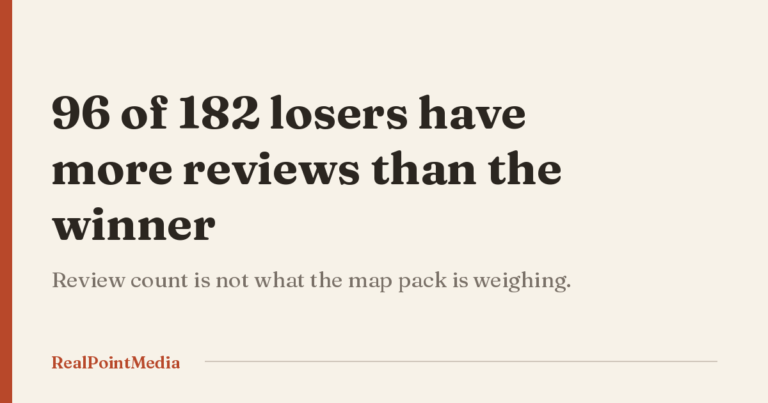
Google treats page experience as a small signal. It has never claimed these three numbers outrank relevance or proximity, and everything we see locally agrees. A Jim Thorpe roofer holds the top map spot on 92 reviews with a site whose footer says 2023 and whose estimate form is gated behind a math question. He is not passing anything. He is winning anyway.
Meanwhile 259 of the 402 businesses we audited are not in the map pack at all. For those companies Core Web Vitals is a rounding error, because nobody is reaching the page to experience it. The visibility problem comes first, always.
So here is the honest priority order for a Lehigh Valley or Poconos contractor. Google Business Profile, then reviews, then whether your site loads and shows a phone number at all, then town pages, then these three numbers. If somebody is selling you a Core Web Vitals engagement and your profile has no service area set, they are working on step five and billing you for step one.
The exception is if you are already in the pack, already getting clicks, and those clicks are not turning into calls. Then CLS especially is worth real money, because the tap that misses is a job that walks.
What to fix, in order
- Resize every image on the homepage to under 200KB. Most of your LCP, one afternoon.
- Give every image explicit width and height so nothing shifts. Most of your CLS.
- Delete tracking scripts and widgets you cannot explain.
- Host your own badge and accreditation images instead of hotlinking them.
- Then, and only then, look at the platform. If the answer is a rebuild, here is how to tell.
Steps one through four are free if you do them yourself and a few hundred dollars if you do not. Step five is $4,500 and up, which is why it goes last. The wider list of what we find broken on local sites is worth a read before you spend that.
What to do next
Run PageSpeed Insights on your own homepage tonight, read the mobile tab, and write the three numbers on a sticky note. Then do the parking-lot test on cellular. Between them, ten minutes, and you will know more about your own site than most owners in this region do.
What those numbers will not tell you is whether anyone is getting to the page in the first place. Your own search results are shaped by where you are standing when you search, so the towns where you are invisible are exactly the ones you never check.
Our free Local Visibility Scan covers that. Your rank in each town you serve, a measured load time on a real phone, your review count beside the three companies above you, and the one thing we would fix first. One page. Nothing to sit through, and your information stays put.
If you want the full picture, competitors and keywords and what your reviews are actually saying, that is the $399 Strategy Session, refunded against any project you start with us inside 60 days. You keep the report either way.